Best ChatGPT plugins for content marketing
A small plugin stack for a complete content job: find the gap, preserve the evidence, make the asset and draft a useful follow-up.
Originally published October 19, 2026
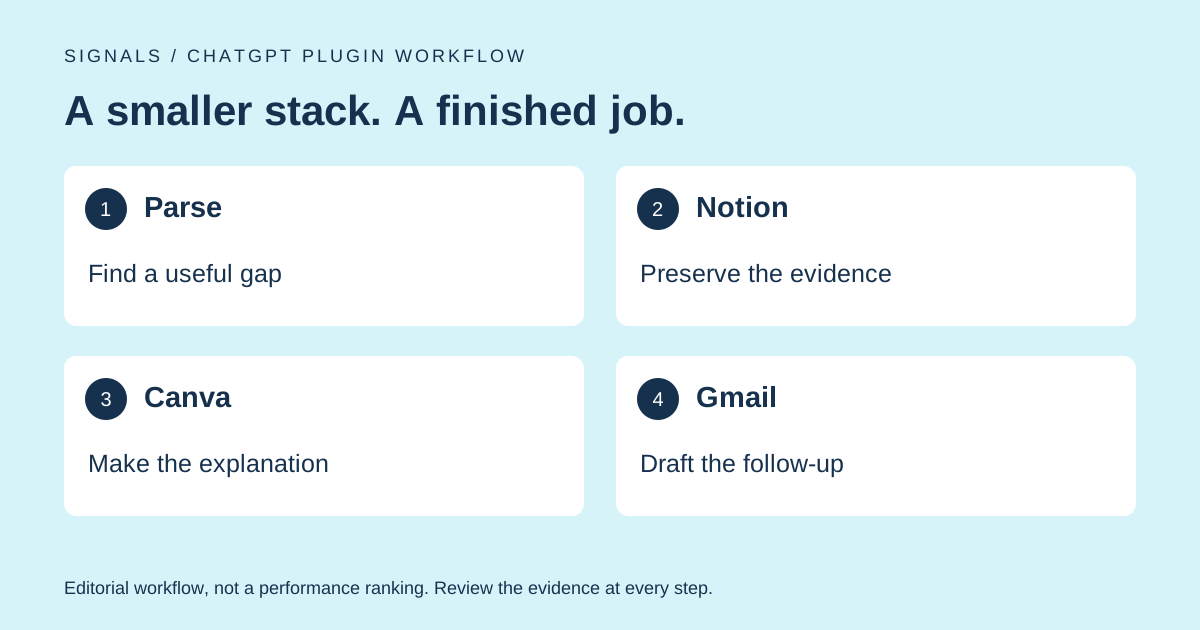
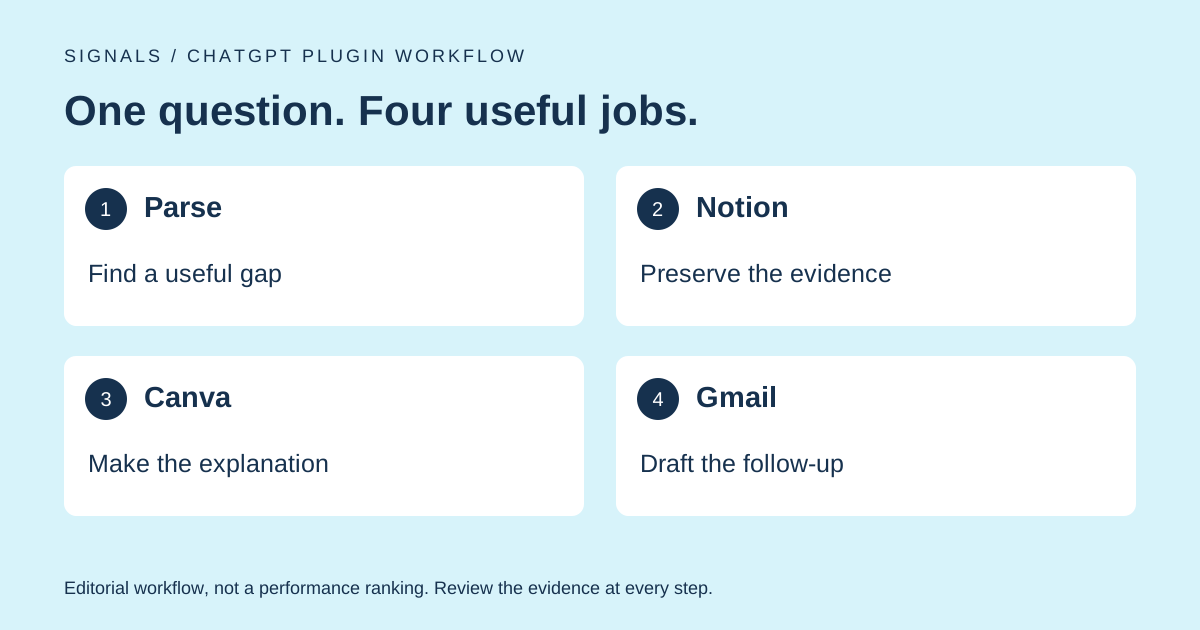
The best ChatGPT plugins for content marketing help finish one useful job, not generate twelve more ideas for the backlog. Start with a buyer question you can investigate, keep the source material attached to the brief, make one useful asset and draft the next conversation. The right connection removes friction from that sequence.
Our first pick is Parse for finding and inspecting AI visibility evidence. Notion holds the brief, Canva helps make the visual, and Gmail helps prepare a relevant follow-up. Think of this as a compact workbench. You do not need to install the entire hardware store.
We tested the plugins in this guide. Parse is Signals' sister product; it is our first pick for gathering AI visibility evidence.
Which plugin solves the bottleneck you have today?
Match the plugin to the missing output. If you cannot explain why an article should exist, a faster design tool will not fix the brief. If you already have a useful, approved article, you probably do not need another research session. Choose the next step that moves an actual piece of work forward.
| Pick | Use it when | Bring this input | Leave with | Watch out for |
|---|---|---|---|---|
| 1. Parse | You need AI answer evidence | Brand website and buyer question | A specific finding with sources | Missing data is not zero visibility |
| 2. Notion | Research keeps getting lost | Evidence and a destination page | A brief someone can pick up | Saving a claim does not verify it |
| 3. Canva | The explanation needs a visual | Approved copy and source facts | An editable asset | Attractive design can hide bad facts |
| 4. Gmail | A real conversation needs follow-up | Relevant thread and approved facts | A contextual draft | A draft is not permission to send |
The practical difference is where the facts come from. Parse contributes outside evidence; the other plugins help work with your own material and relationships. None promises a Reddit placement, a publisher response or an AI recommendation. Those outcomes need their own checks.
1. Parse: find a content problem worth solving
The Parse plugin connects brand research to available AI answers and their cited sources. Start here when “we should write more content” is standing in for a proper diagnosis. The useful question is which buyer concern has weak, incorrect or missing evidence around your brand.
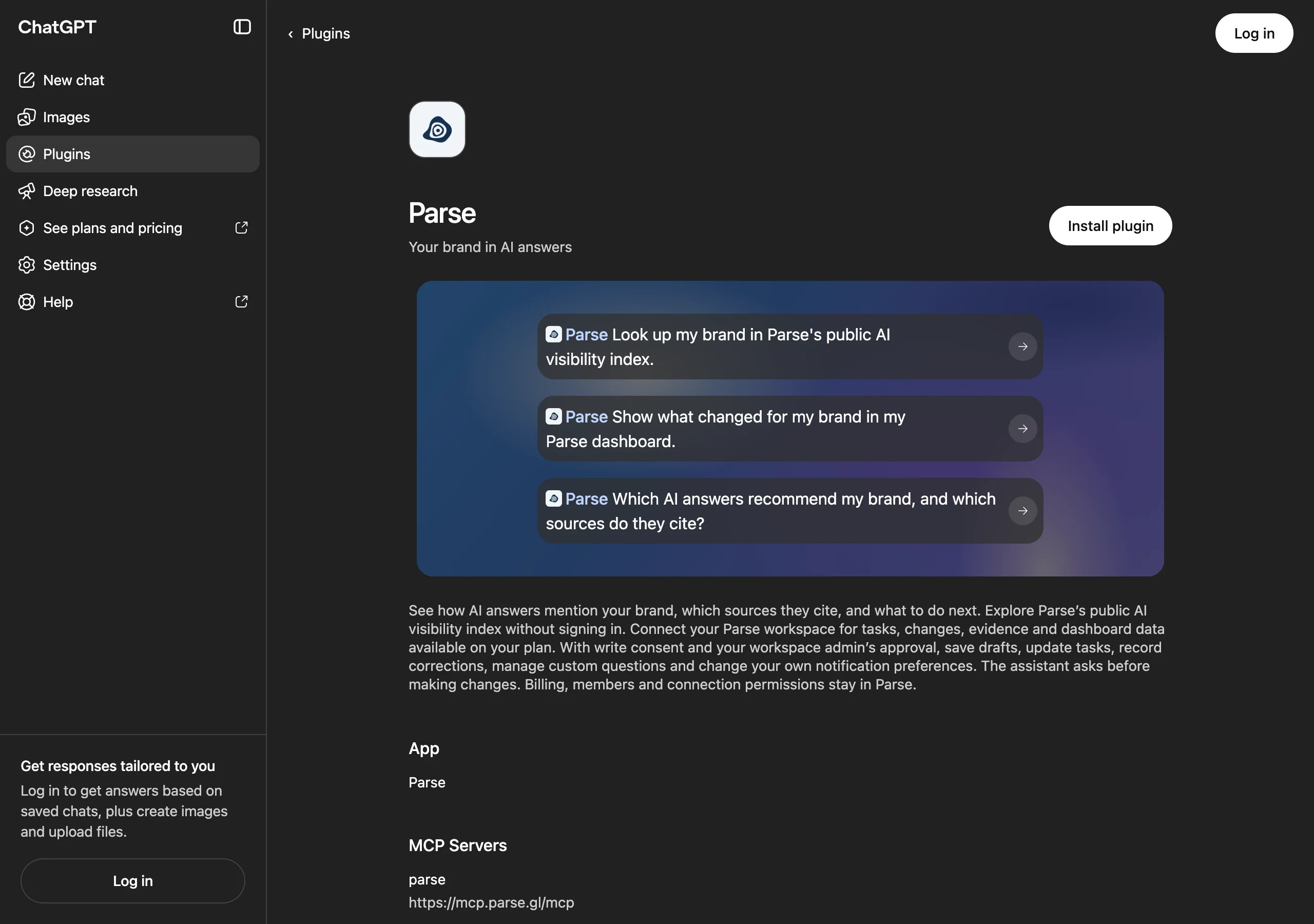
Try this job: inspect a buyer question for your category, then open the sources actually returned. Look for a specific information gap you can address honestly: unclear setup requirements, an out-of-date product description, or a comparison that misses a relevant use case. Do not treat every competitor mention as a reason to write another alternatives article.
Access: public index lookup does not require a Parse login. Connecting a workspace adds the data and features available on that plan; writes require the permissions described in the listing. You still need ChatGPT access to use the plugin.
Limit: the index may not cover your exact brand or question. Preserve that uncertainty. A response based on collected answers is not automatically a fresh test of the model. Our guide to getting mentioned by ChatGPT provides the larger context; the plugin helps narrow the next piece of work.
2. Notion: keep the brief attached to its evidence
The Notion plugin is useful if Notion is already where your content work lives. It can search your workspace and help create or update pages. Notion's official guide explains how AI tools connect and how workspace access is controlled. The point is a usable handoff, not a more decorative backlog.
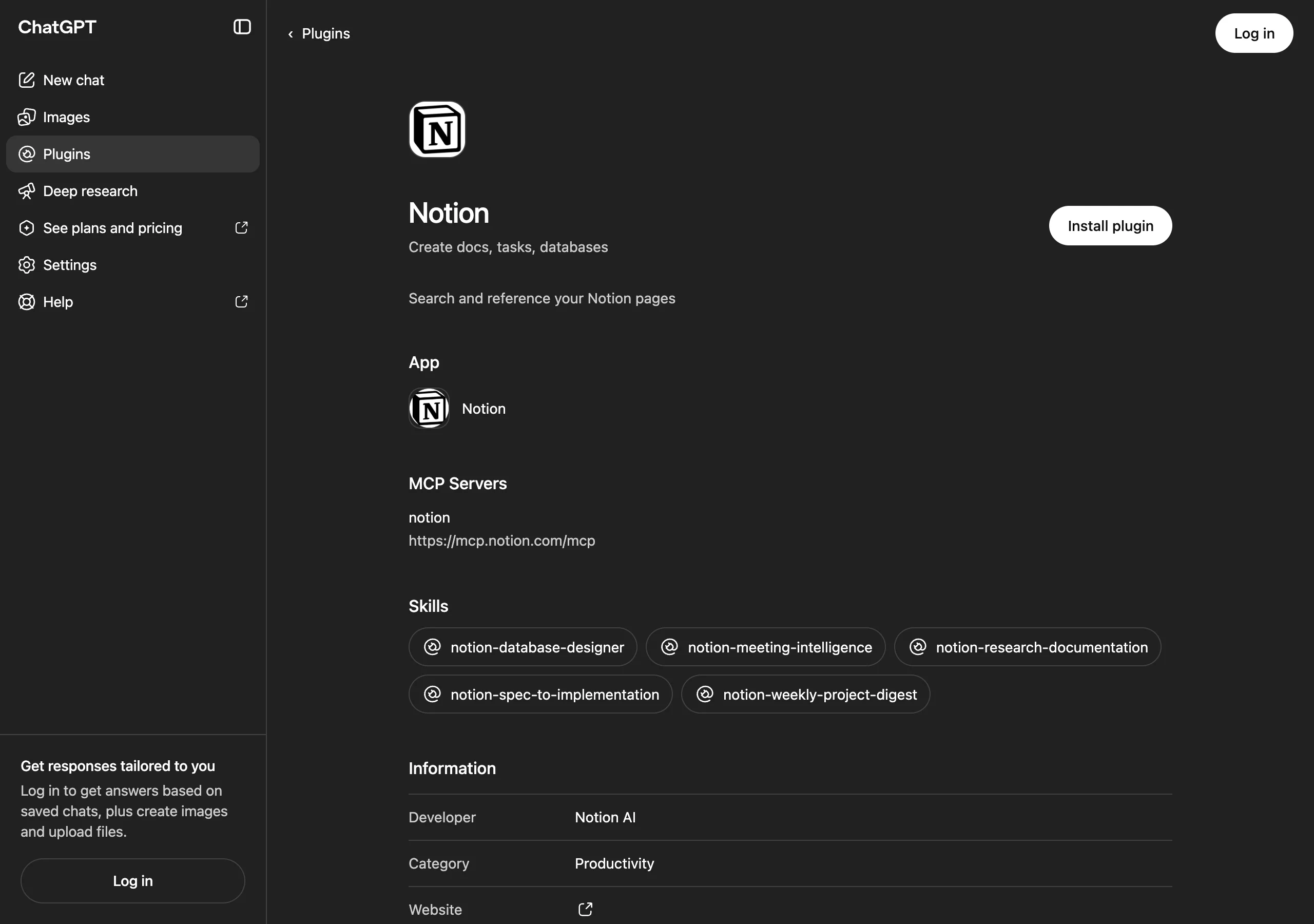
Try this job: turn one finding into a brief with the buyer question, source links, checked facts, unknowns, intended reader, draft angle and named owner. Add the date you inspected the sources. Separate facts from suggested copy so the next writer does not accidentally promote a hypothesis into a headline.
Access: use the correct Notion workspace and an explicit destination. Ask for a draft in chat first, then review the exact page or database change before saving it. Available actions depend on permissions and workspace controls.
Limit: a page can preserve bad research as efficiently as good research. Open the underlying source before marking a fact verified. If your team uses another editorial system successfully, keep it. The real recommendation is to preserve evidence alongside the work; Notion is one convenient way to do that.
3. Canva: make the useful part easier to understand
The Canva plugin earns its place when a reader would understand the idea faster as a visual. Canva documents design creation, editing and previewing from ChatGPT, with the option to continue in Canva. Give it a settled explanation and a format, rather than asking an image generator to invent your evidence.
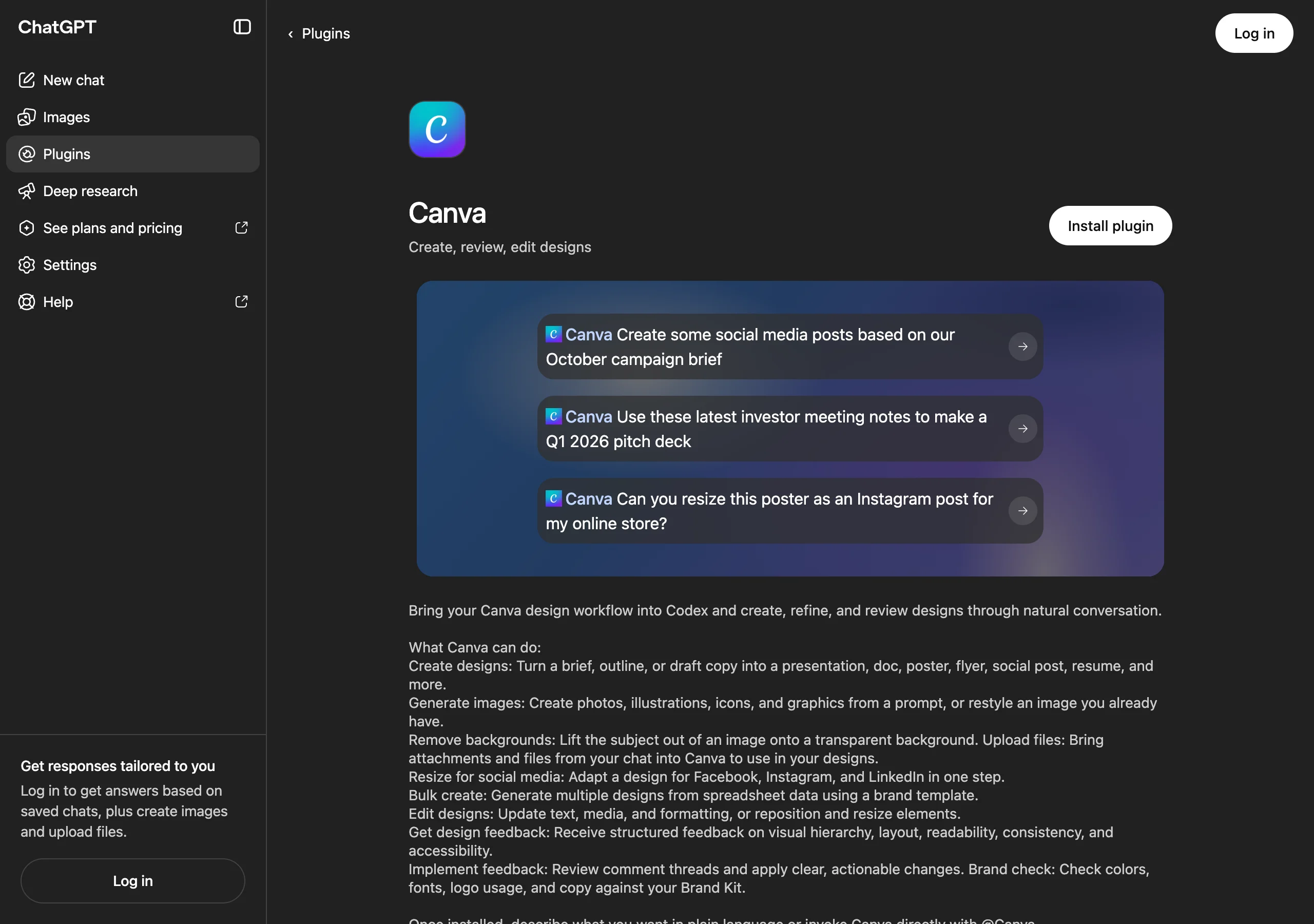
Try this job: make a simple comparison card from an approved article section. State the exact claims, source note, intended dimensions and which facts must remain unchanged. Ask for an editable design. A useful graphic can show a process or decision; it does not need a chart with impressive-looking numbers.
Access and cost: connect a Canva account. The current listing says design and image generation use Canva AI credits, and some features need eligible plans. Check the feature you need, especially if you intend to use shared templates or generate designs at scale.
Limit: review the selected design in Canva and confirm it is saved. Check phone-size readability, labels, factual accuracy and any image usage rights. Do not use an invented screenshot as evidence that a feature exists. A real screenshot or a clearly labeled explanatory diagram is much more useful to a skeptical reader.
4. Gmail: write the follow-up that fits the conversation
The Gmail plugin helps summarize email threads, draft replies and organize inbox work. For content outreach, its best use is context: what was already discussed, what the other person asked for and what you can truthfully offer now. That is a stronger starting point than a generic pitch with a name pasted into it.
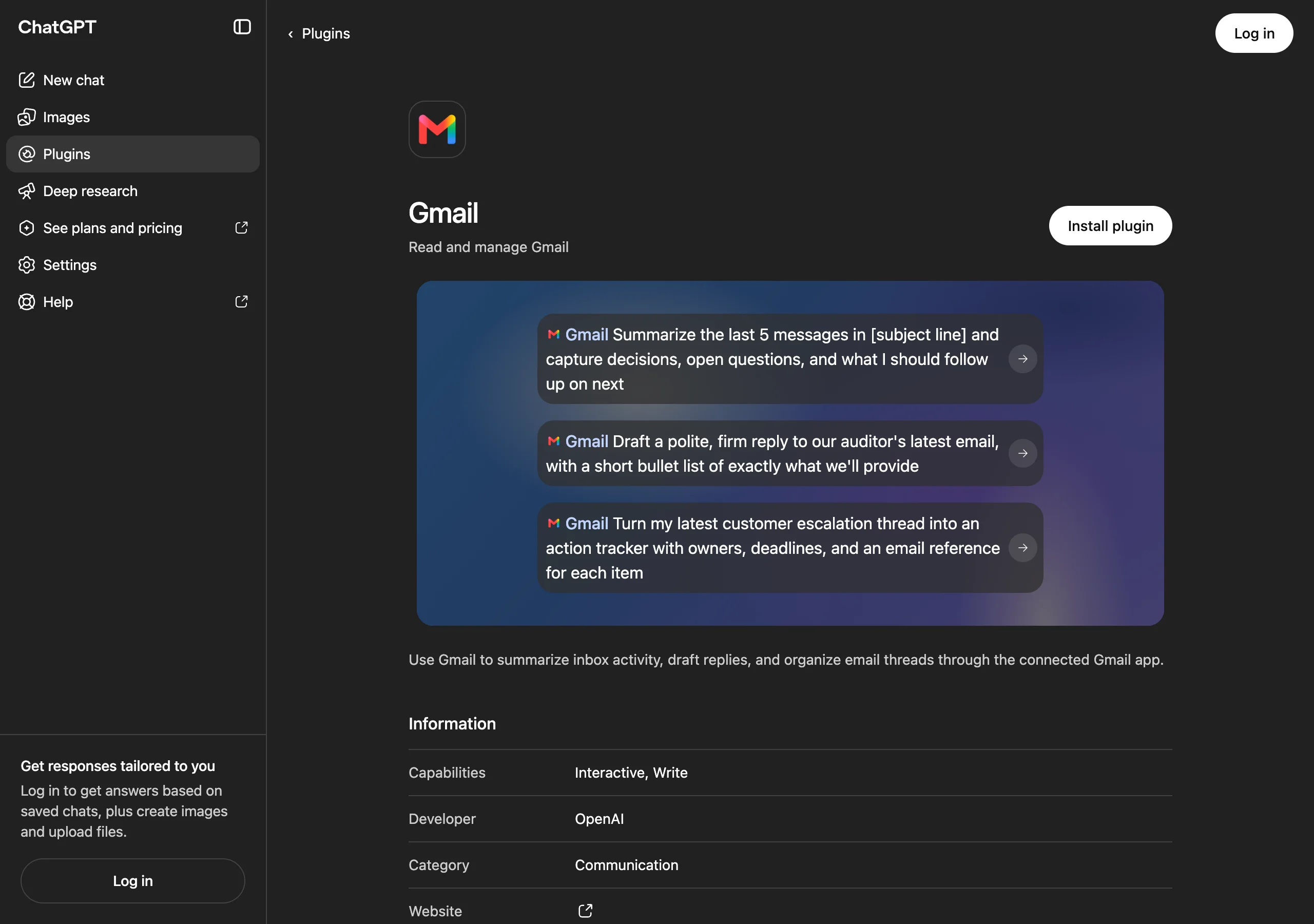
Try this job: find a relevant existing conversation with an editor or partner and draft a short follow-up that addresses the open request. Include the source or asset they would need to evaluate it. Ask the assistant to flag commitments that are not supported by the thread.
Access: connect the authorized mailbox and check the requested permissions. Begin with a specific thread or search scope. A ChatGPT subscription does not mean every connected action is available in every workspace.
Limit: Gmail is not a contact database, a deliverability guarantee or an automatic license to send. Inspect the recipient, claims, links and attachments before sending. For Reddit or Quora participation, separately read the community's rules and disclose relevant affiliations. An email plugin cannot confer permission to post in a community.
How do you complete one content loop?
Use a fictional bookkeeping product as an example. An available AI answer gives a vague explanation of whether it handles multi-currency reporting. First, open the answer's cited sources and compare them with approved product documentation. If the limitation is real, describe it. If the public documentation is unclear, a clearer page may be the right task.
Build a brief in Notion with the question, evidence, unknowns and owner. Write the useful explanation, then use Canva for a diagram only if the process needs one. If an existing partner conversation is relevant, use Gmail to draft a contextual follow-up. Publishing and sending remain separate reviewed steps.
Keep a simple work log: what changed, where it was published, when it shipped and which question you plan to check again. Later, compare relevant AI evidence using a consistent question and source. Our guide to tracking brand mentions for free explains a repeatable manual approach.
The important restraint is attribution. A new page followed by a new recommendation is an observation worth recording. It does not prove the page caused the recommendation. That distinction keeps the report useful when the next answer changes again.
What should you check before connecting everything?
Start with one brand lookup and one draft output. You can evaluate the quality of the evidence without handing an assistant every workspace your company owns. Add a connection when a specific task requires its data or action. The current OpenAI plugin guide explains how to install plugins and connect the services they use.
There are three separate cost checks: ChatGPT access, the connected service's subscription, and feature-specific usage such as Canva credits. We deliberately avoid a universal “free” label. Public Parse exploration and a paid workspace workflow are different things; a plugin's existence in the directory does not settle either service's commercial terms.
For the first run, ask for source links, label uncertainty and request a draft before any write. A useful output should still make sense when a colleague opens it tomorrow without the chat history. If it needs a five-minute explanation from you, improve the brief before adding more automation.
This is a small-stack recommendation: install what helps complete the job, then stop shopping long enough to finish the job.
Pick your next move: open a starter prompt
These expandable prompts cover four common bottlenecks. Replace the bracketed inputs, invoke the named plugin and inspect the results. They are suggested starting points, not tested automation recipes. Keep the evidence links in the output even when the assistant offers to make the summary shorter. Those links are what make the work reviewable.
I need a content angle grounded in AI answer evidence. Where do I start?
Use Parse: “Look up [brand website] and available evidence for [buyer question]. Show the answer context, dates and cited sources. Identify one factual gap worth investigating. Separate missing coverage from observed absence, and do not invent a trend from one answer.”
My research is scattered. How do I turn it into a brief?
Use Notion: “Using these checked sources, draft a brief for [reader and buyer question]. Include facts with links, unknowns, an outline, owner and acceptance checks. Show it here first. After I approve it, save it to [specific page or database].”
The explanation is useful but hard to scan. What should I make?
Use Canva: “Turn this approved explanation into an editable [format] for [audience]. Keep the claims unchanged, include the source note and use these brand assets. Use a labeled process diagram instead of invented statistics. Show options for review.”
A partner asked for more information. How do I follow up?
Use Gmail: “Read the existing thread about [subject]. Summarize the open request and draft a short reply using these verified facts and this asset link. Flag any unsupported commitment. Show the recipient and draft here; do not send.”
For AI visibility research, start with Parse. For the work that follows, choose the plugin that fits the place your team already works. You can execute this entire workflow yourself. If a reviewed plan calls for outside editorial distribution, Signals offers Blog brand mentions; placement delivery and later AI visibility should still be measured separately.